


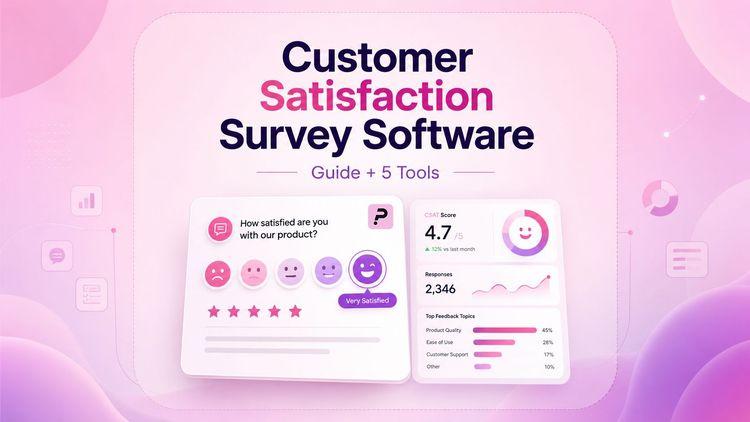
The right customer satisfaction survey software lets you gather feedback at every stage of the customer journey, from first purchase to long-term loyalty, and turn that information into real improvements for your business.
You can spot problems early and make changes that keep people happy. When you know what your customers need, you can build better products and create stronger relationships.
You can send surveys through email, text, or your website, then use the results to fix issues before customers leave. Many businesses have seen major gains in customer happiness after they started measuring and acting on feedback.
This guide walks you through what customer satisfaction survey software does and which features matter most. You'll also learn how to set up surveys that people actually complete and use what you learn to make changes that improve customer satisfaction.
This guide also compares six customer satisfaction survey tools to help you choose the right platform for your business.
What Is Customer Satisfaction Survey Software?

Customer satisfaction survey software is a digital tool for creating, sending, and analyzing surveys to measure how happy your customers are with your business. It lets you gather feedback about your products, services, or overall customer experience in one central place.
The main purpose is to help you understand what your customers think and feel. You can use it to collect opinions, identify problems, and spot areas where you need to improve.
Most survey tools let you build different types of surveys. You can create:
- CSAT (Customer Satisfaction Score) surveys that ask customers to rate their experience
- NPS (Net Promoter Score) surveys that measure how likely customers are to recommend you
- CES (Customer Effort Score) surveys that track how easy it is to use your product
These tools make it simple to design your surveys without technical skills. Many platforms offer templates you can customize with your branding, questions, and response options.
Customer satisfaction software also helps you distribute surveys across multiple channels. You can send them through email, embed them on your website, share them via SMS, or use QR codes.
Once survey responses come in, the software organizes everything into dashboards and reports. You can see trends, filter results by date or customer type, and identify patterns in the feedback.
You don't need to manually sort through responses or create spreadsheets. The software does the heavy lifting for you, turning raw feedback into valuable insights that help you improve business outcomes.
Core Features Of Customer Satisfaction Survey Software
To choose the right survey software, focus on the features that really help you collect and use customer feedback. Good platforms let you create surveys, share them in different ways, see results right away, and work with your team.
When these tools come together, you get quicker insights and a better sense of what your customers want.
| Feature Category | What to Look For | Why It Matters |
|---|---|---|
| Survey Creation | Drag-and-drop editor, pre-written questions, survey templates, unlimited surveys | Saves time and allows flexibility to test different approaches |
| Distribution Channels | Website embed surveys, email sends, event-triggered surveys | Reaches customers wherever they are |
| Advanced Logic | Conditional survey logic and personalization | Keeps surveys relevant and improves completion rates |
| Real-Time Analytics | Live dashboards, NPS and CSAT data tracking | Enables faster, data-driven decisions |
| Alerts & Notifications | Real-time feedback and instant alerts | Helps resolve issues before they escalate |
| Collaboration Tools | Multi-user access, custom reporting, advanced data analysis | Supports team alignment and deeper insights |
Good software combines these features to make feedback collection easy while giving you the advanced features needed for meaningful qualitative feedback analysis. That’s how you capture customer sentiment and get a holistic view of customer behavior.
The 6 Best Customer Satisfaction Survey Software Tools
These six tools offer different strengths for measuring customer satisfaction, from basic CSAT surveys to advanced feedback analysis. Each platform provides unique features that can help you collect and act on survey results.
Porsline
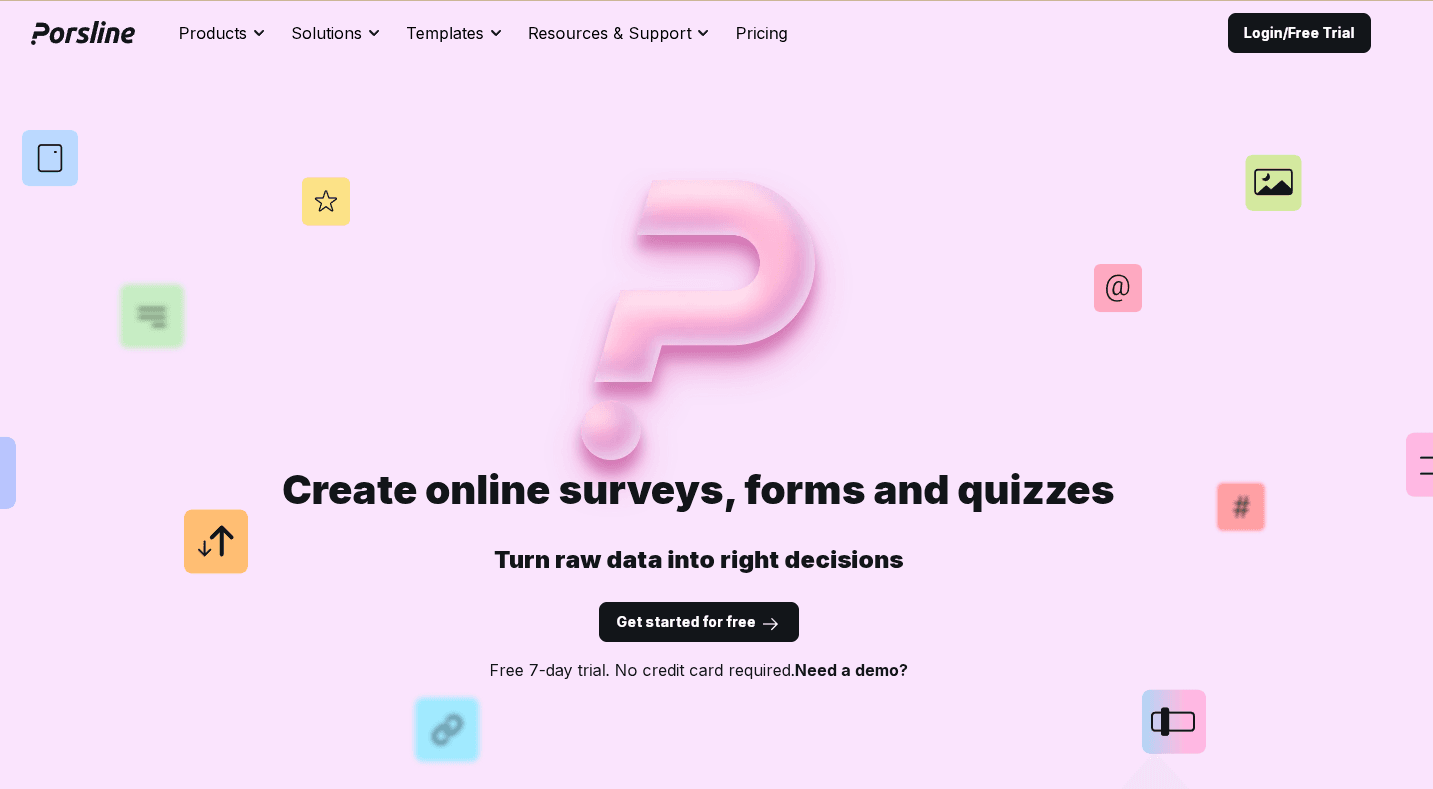
Porsline is an online survey and form builder that helps you create mobile-friendly surveys, quizzes, and forms without technical skills. Using its simple drag-and-drop editor, you can build and publish a complete survey in minutes.
You can start with ready-made templates or design your own from scratch, choosing from question types such as rating scales, multiple-choice, and open-ended responses.
The platform supports multilingual forms, including English, Turkish, Arabic, Spanish, and Russian, making it a strong choice for diverse audiences.
You can distribute surveys via email, SMS, or website embeds. Porsline also provides real-time results and advanced survey data to track response rates and satisfaction scores through a clean, easy-to-use dashboard.
For teams that need automation, Porsline integrates with n8n and allows formulas and calculations to score answers instantly during the survey.
It’s best for small to medium businesses, HR teams, market researchers, customer support teams, and industries such as tourism, healthcare, hospitality, and events that rely on fast, flexible feedback collection.
You can use the Free plan that covers essential survey features. Paid plans start at €23 and add unlimited responses, advanced logic, file uploads, and notifications.
Start a free trial to test it before upgrading.
Zonka Feedback
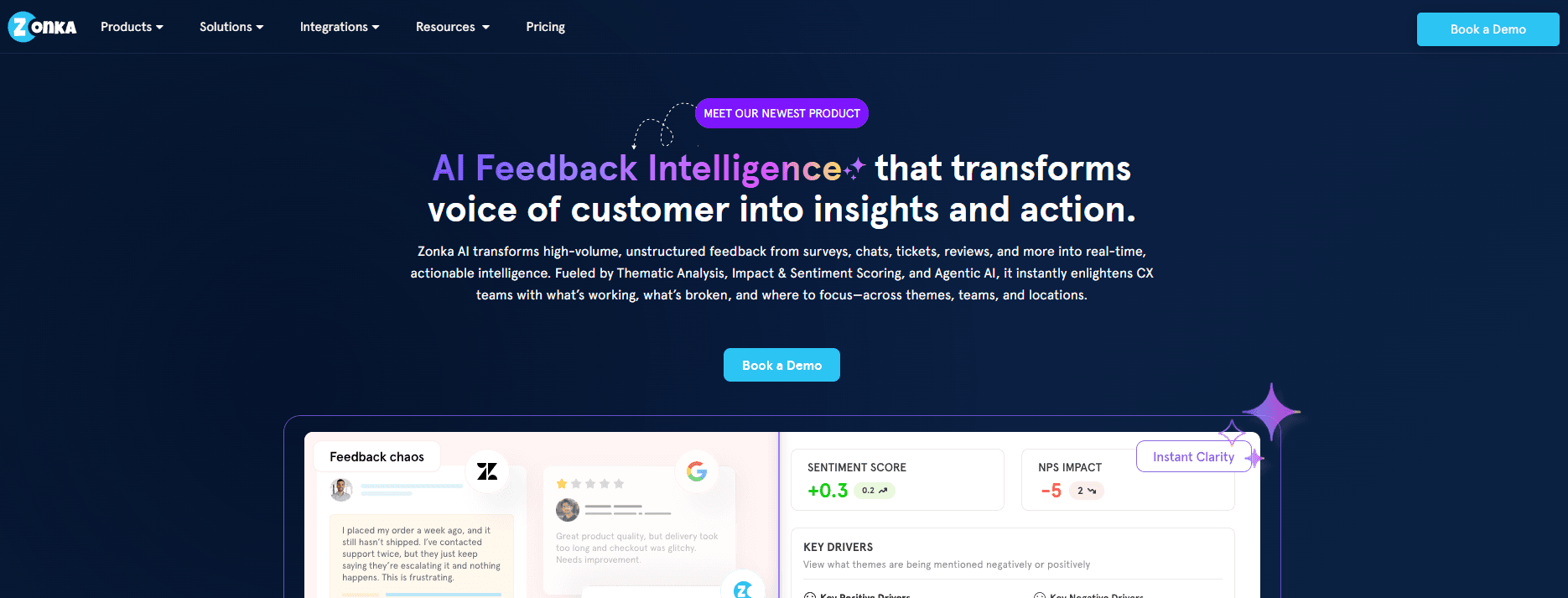
Zonka Feedback is a customer satisfaction survey platform built for teams that want to measure CSAT at every touchpoint and actually act on it. You can trigger CSAT surveys automatically after support tickets, purchases, or onboarding, and send them across email, SMS, WhatsApp, web, and in-app widgets.
The platform integrates directly with helpdesks like Zendesk, Freshdesk, and Intercom, so surveys go out right after a ticket closes. AI analyzes every open-text response and groups them into themes automatically, instead of leaving you to read through comments one by one.
You can track CSAT trends by agent, team, location, or product, so you can see exactly where satisfaction is slipping and who should fix it. Zonka also lets you close the loop directly from the same platform, routing low scores to the right team before they turn into churn. It's best for support and CX teams that want CSAT connected to their helpdesk, not sitting in a separate tool.
Pricing is customized based on your company's size and needs, available through Zonka's sales team.
Qualtrics CustomerXM
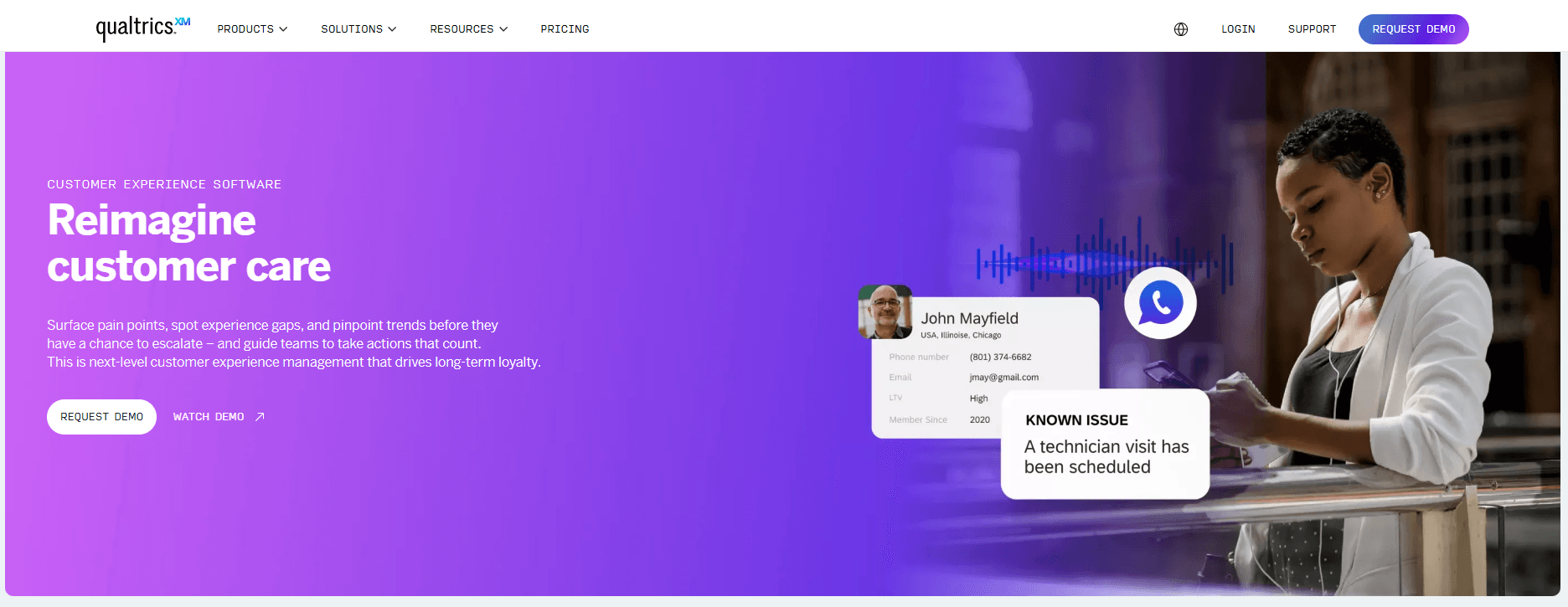
Qualtrics CustomerXM is a professional-grade platform built for companies that need deep insights from customer feedback. The software tracks multiple satisfaction metrics, including CSAT, NPS, and CES scores in one place.
You can set up automated surveys that trigger after specific customer interactions, such as purchases or support tickets. The platform uses AI to analyze text responses and find patterns in customer sentiment.
This helps you spot problems before they become bigger issues. The dashboard shows trends over time so you can see if satisfaction is improving or dropping.
You can also segment responses by customer type, product, or location. Qualtrics integrates with CRM systems and other business tools to connect feedback data with customer records.
The software works best for larger companies with dedicated customer experience teams. Paid plans vary based on your company's size and needs, with custom pricing available through their sales team.
SurveyMonkey
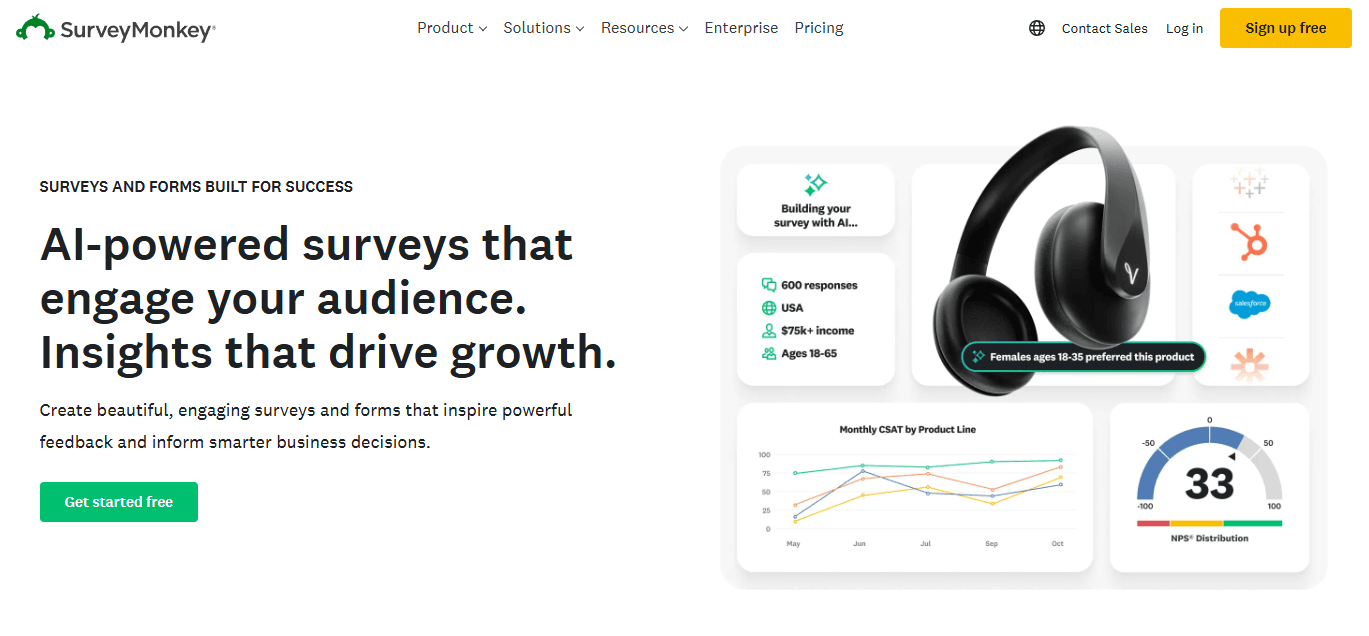
SurveyMonkey is one of the most popular survey tools available. It offers hundreds of survey templates, including specific ones for customer satisfaction measurement.
You can customize surveys with your brand colors and logo. The platform lets you add skip logic so questions change based on previous answers.
This makes surveys feel more personal and keeps them shorter for each respondent. SurveyMonkey provides several ways to distribute surveys: email invitations, web links, social media posts, or QR codes.
Results appear in simple charts and graphs that you can export to presentations or reports. The free version lets you create unlimited surveys but limits the number of responses per survey.
Paid plans start at €30/user/month and remove these limits, while adding features such as custom branding, advanced question types, and data exports. The platform scales well from solo users to large teams.
Delighted
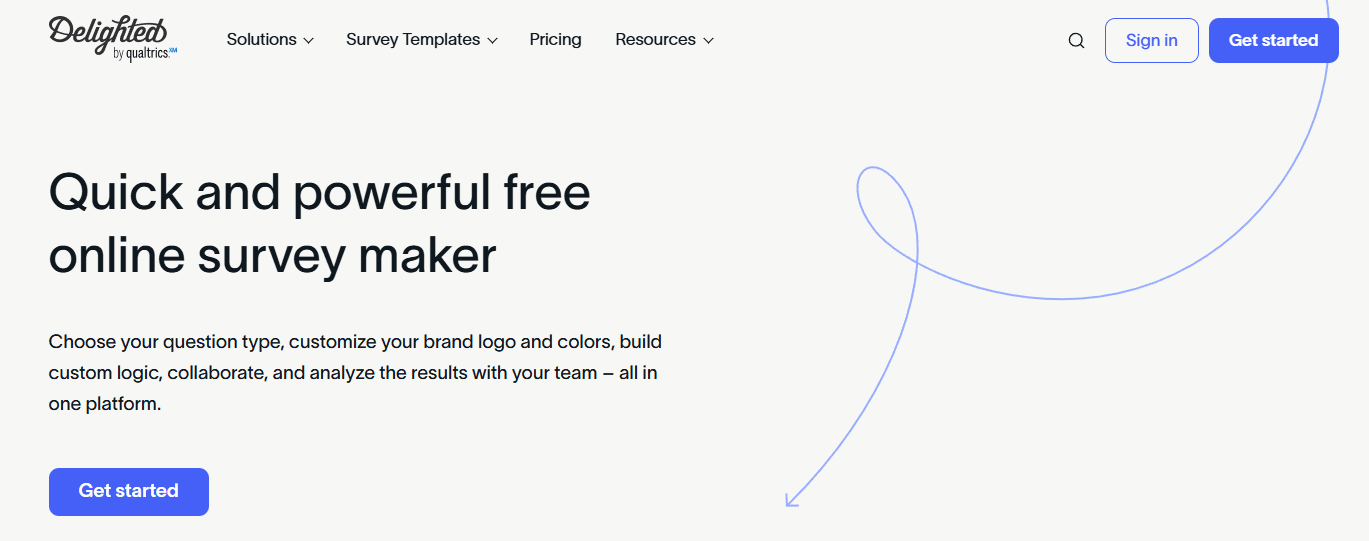
Delighted focuses specifically on measuring customer satisfaction through short, simple surveys. The platform specializes in NPS, CSAT, and CES survey types.
You can send surveys through email, SMS, in-app messages, or website widgets. The surveys are very short, usually just one or two questions, which leads to higher response rates.
Customers can complete them in under 30 seconds. The software automatically sorts feedback into positive, neutral, and negative categories.
You get instant notifications when someone leaves a negative score, so you can follow up quickly. Delighted also tracks satisfaction trends over time with clear visual graphs.
The platform integrates with tools like Slack, Salesforce, and HubSpot. This lets you automatically share feedback with your team.
Paid plans start at $19/month and scale with the number of collected responses.
Medallia
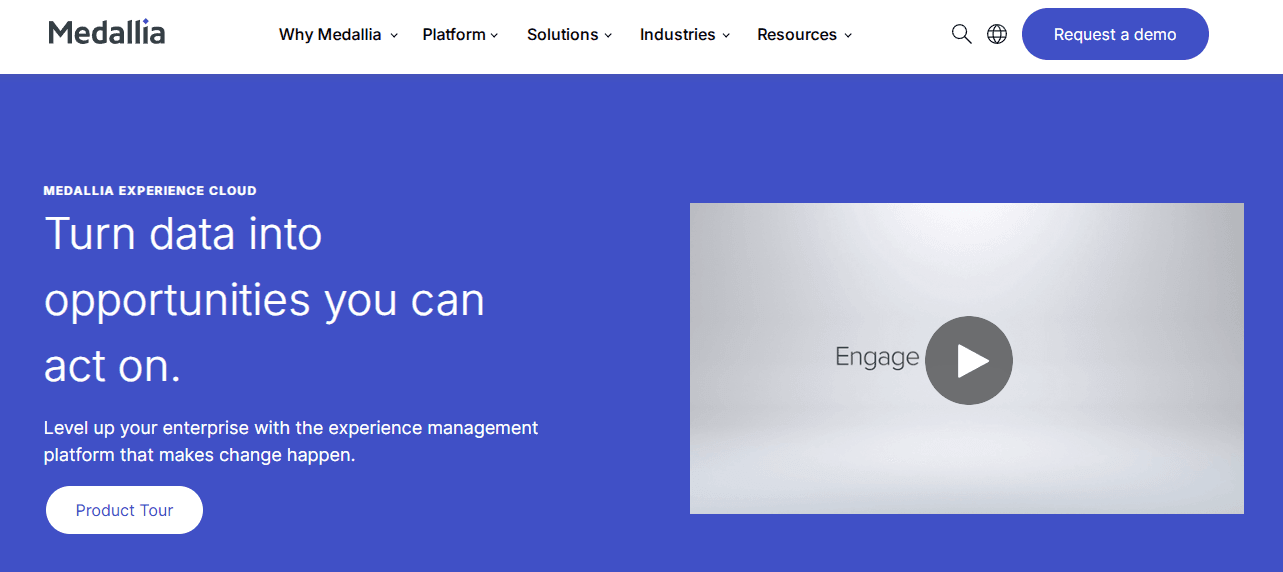
Medallia is an enterprise-level customer satisfaction platform that handles feedback from multiple channels. The software collects responses from surveys, social media, chat logs, and phone calls.
The platform uses AI to analyze all feedback types and identify key themes. You can see which issues come up most often across different customer touchpoints.
Medallia also predicts which customers might leave based on their satisfaction patterns. The dashboard provides role-based views so different teams see relevant data.
Support teams see service-related feedback while product teams see feature requests. You can set up automated alerts when satisfaction drops below certain thresholds.
Medallia offers powerful reporting tools that let you drill down into specific customer segments or time periods. The platform is built for large organizations with thousands of customers and multiple departments.
Paid plans require custom quotes based on your company size and implementation needs.
Why Porsline Is The Best Customer Satisfaction Survey Software
Porsline gives you unlimited responses without extra charges. You pay one price and collect as many responses as you need.
Even when you've collected 10,000 or more responses, your entire dataset exports in a single Excel file. No chunked downloads, no splitting your data into parts, unlike other platforms that force you to download piece by piece at scale.
Response quality controls set Porsline apart. You can use custom validation rules to make sure people answer in the exact format you need.
If you're collecting phone numbers or email addresses, you can set specific rules to prevent bad data from messing up your results. You can verify who's taking your survey before they start.
Send one-time passwords to their phone or email. This stops fake responses and gives you clean data you can trust.
Porsline handles complex surveys better than most tools. You can set quotas for specific answer choices, not just total responses. This works great when you're scheduling appointments or managing registrations with limited spots.
The platform lets you send encrypted data through survey links, so information stays private while linking your CRM data to each response. This helps you create personalized satisfaction surveys using what you already know about your customers.
The data you pass also supports advanced reporting with the slice-and-dice feature, making it easier to spot patterns and gain deeper insights. You can also set each link to allow only one submission.
Real-time reports come with advanced filters. You can slice your data by any criteria and focus on specific customer segments. Your charts update instantly as responses come in.
You get both conversational and classic survey modes. Pick the style that works best for your customers. The conversational mode shows one question at a time, while the classic mode displays all questions on a single page.
If you want to capture actionable feedback at critical moments and avoid survey fatigue, Porsline makes it easy to collect data and get a complete understanding of what customers feel.
Need to connect your CRM, customer club software, or other tools to your survey platform? Porsline's powerful RESTful API makes it seamless.
You can pass data from any system directly into your survey links and pull survey responses back into your tools through webhooks, API calls, or automation platforms like Zapier and Make.
No technical headaches, just a smooth two-way data flow between Porsline and the rest of your stack.
With advanced analytics and survey insights, you can make data-driven decisions, take proactive action, and deliver customer solutions that lead to business growth.
Start a free trial to test it before upgrading.
How To Implement Customer Satisfaction Surveys
Setting up customer satisfaction surveys might seem tricky at first. But with a clear plan, you can quickly start gathering feedback and use it to make your customers happier.
The trick is to break the process into manageable phases. Each step builds on the last, making it easier to collect data and get higher response rates.
Phase 1: Planning and preparation
Figure out what you actually want to learn from your customers. Maybe you need product feedback on a new feature, or you want to measure overall satisfaction.
Write down your main goals before drafting any pre-written questions. This keeps your survey focused and helps you avoid overwhelming people.
Choose which customers should get the survey. New buyers may need different questions than customers who have been with you for a long time.
Phase 2: Survey design and setup
Pick the format that fits your needs. CSAT surveys are great for measuring satisfaction with specific interactions and usually ask customers to rate their experience on a simple scale.
Keep your questions short and easy. Steer clear of technical words that could trip people up.
Mix rating scales with open-ended questions. The numbers let you track trends, while written responses reveal the reasons behind those scores. Follow proven design principles to build online surveys people will actually complete.
Phase 3: Pilot launch
Test your survey with a small group first. Send it to 50-100 customers and see how they react.
Check if people are finishing or dropping off. Look at the answers. Do your questions make sense?
Fix problems before moving forward. That way, you avoid collecting bad data from thousands of people.
Phase 4: Full rollout
Send your survey at the right time in the customer journey, such as right after a purchase or support interaction.
Use email, SMS, or in-app messages based on how your customers prefer to talk. Using multiple channels often works better than sticking to just one.
Phase 5: Optimization and scaling
Track response rates every week. If they drop below 10-15%, something's off.
Test different subject lines, send times, and survey lengths. Even small tweaks can improve how many people respond and help you avoid survey fatigue.
How To Collect Feedback Across The Customer Journey

Collecting feedback at the right moments helps you capture customer sentiment as they interact with your brand. You need to gather insights at different stages to see the complete picture of customer behavior.
Start by mapping out where customers interact with your business, including your website, mobile app, email, customer service, and checkout. Each interaction gives you a shot at learning about customer expectations and what customers feel.
Strategic timing matters more than frequency. Ask for feedback right after critical moments, such as a purchase, onboarding, or a support chat. These windows catch fresh reactions before details fade.
You should use multiple channels to reach people where they already are:
- Website surveys for site visitors
- Email surveys after purchases or for check-ins
- Mobile app surveys for in-app experiences
- Chat surveys during or after support
- Link surveys shared via social media or SMS
Trigger surveys based on real customer actions, not random timing. Show a satisfaction survey after someone uses a new feature, or send a feedback request when an account closes. This approach to customer surveys ties survey responses to actual experiences.
Keep surveys short to avoid survey fatigue. Ask just one to three questions that target critical issues. Long surveys frustrate people and lead to incomplete answers.
Mix proactive and reactive methods. Place a feedback button on your site so customers can share feedback anytime. Combine this with targeted surveys at key moments to build a holistic view of your customer base.
How To Turn Customer Feedback Into Actionable Insights
Collecting feedback is just the start. The real value comes from turning that feedback into actionable feedback that drives business outcomes. Analyze both types of data you get.
Quantitative feedback from rating scales and multiple-choice questions shows measurable trends. Look for recurring scores and patterns that point to critical issues.
Qualitative feedback from open-ended responses gives you valuable insights into the "why" behind customer behavior.
A closed-loop feedback system helps you get a complete picture of customer experiences. Follow up after customers submit feedback, keep them posted on changes, and ask whether the improvements made a difference. Over time, this builds trust and gives you advanced analytics for deeper survey insights.
Turn your customer insights into clear action by:
- Prioritizing issues by how often they come up and how much they affect satisfaction
- Setting SMART goals that are specific, measurable, and time-bound
- Assigning team members to own improvements
- Creating customer solutions to address the problems people mention
- Tracking progress with project management tools
Share findings with stakeholders using reports that highlight trends and next steps. Use charts and visuals to make data-driven decisions easier, and include customer quotes for context.
How To Improve Customer Experience And Build Loyalty
Keeping customers happy isn't luck. You have to listen to what they say and use that information for proactive action. When you collect feedback through a customer satisfaction survey template, you get direct insight into what's working and what's not.
Use feedback to make things better
Survey responses show you where to focus your efforts. Use them to fix problems, update features, or change how your team handles support. When customers see you actually listened, they're more likely to stay loyal.
Be proactive about success
Don't wait for complaints. Reach out to customers before they get frustrated. Check in after purchases, offer help, and share tips so people get more value from what they bought.
Turn happy customers into advocates
Satisfied customers can become your best marketers. Create programs that encourage them to share positive experiences like referral rewards, case studies, or even community groups.
Track your progress
Measure whether your efforts work. Look at:
- Customer loyalty scores over time
- Conversion rates after feedback-driven changes
- Repeat purchase behavior
- Customer lifetime value increases
Building loyalty takes real, consistent effort. CX investments should focus on creating an experience that makes people want to stick around. When you improve business success and reduce churn, you're building real relationships, and that's what matters most.
Conclusion About Customer Satisfaction Survey Software
Customer satisfaction survey software lets you collect data and really capture customer sentiment. These tools help you measure CSAT, NPS, and CES, so you can see how well you're meeting customer expectations.
If you want a complete understanding of your customers, you need to collect data at critical moments and get product feedback that matters. The right online surveys help you build a holistic view and a complete picture of what customers feel, so you can deliver customer solutions that matter.
Survey fatigue is real, but when you use the right tool, you can keep your surveys short and still get the information you need.
We looked at six different tools in this guide. Each one brings something different to the table, so you can find a fit for your needs and budget.
Porsline stands out for businesses wanting powerful features without extra hassle. You get simple survey builder, real-time analytics, and automation tools that actually help. The platform gives you survey insights you can use for data driven decisions and better business outcomes.
Try Porsline free and see how easy it is to improve customer satisfaction.