Party Invitation Template
Throwing a party? Make your guests feel special from the first touchpoint. A professional party invitation template helps you send stylish invites in minutes—complete with RSVP tracking.
Whether you're planning a casual birthday bash or an elegant holiday gathering, one thing sets the tone for your event before it even begins—the invitation. In the digital age, a well-designed party invitation template isn’t just a convenience, it’s a must-have.
What Is a Party Invitation Template in the Event Category?
A party invitation template in the “event” category is a ready-made digital form designed to help you quickly invite guests, share event details, and collect RSVP responses in one place.
This type of template is much more than a simple e-card. It’s a smart, customizable form that includes:
Event details: Date, time, venue (physical or virtual), dress code, and special notes.
Guest information: Name, contact details, number of attendees.
RSVP confirmation: Yes/No attendance fields with optional guest preferences (e.g., meal choice).
Thematic design: Visual branding that matches your party style—be it Halloween, birthday, or a baby shower.
Comment or note fields: Let guests add personal messages or questions.
This template helps you stay organized and keeps the guest experience smooth. Platforms like Porsline allow you to fully customize the design, collect real-time responses, and even automate reminders.
In short, a party invitation template is a dynamic tool that blends creativity with functionality—perfect for event hosts who want simplicity without compromising style.
Why Is the Party Invitation Template Important?
You might be thinking: “Can’t I just send a group message?” But here’s the thing—first impressions matter, especially when planning a memorable event. A party invitation template isn’t just about information; it’s about experience.
Here’s why this template plays a crucial role in your event planning success:
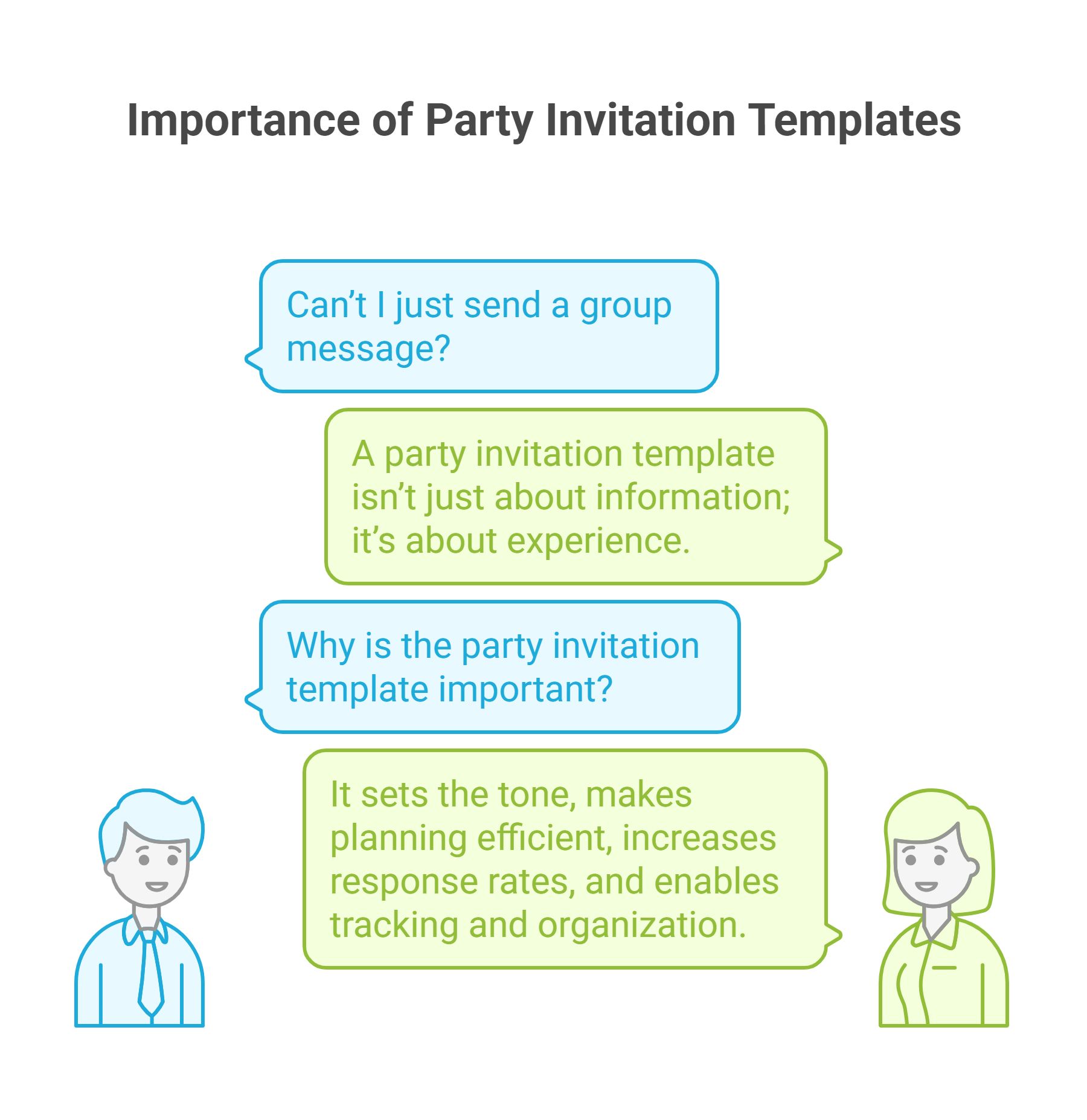
Sets the tone: Your invitation is the first touchpoint your guests have with the event. A well-crafted digital invite creates excitement, communicates the theme, and builds anticipation.
Makes planning efficient: Instead of juggling messages, spreadsheets, and phone calls, the template collects all data in one place—from RSVP confirmations to guest preferences.
Increases response rates: A professional template with clear call-to-action buttons and friendly design encourages quick responses and reduces no-shows.
Enables tracking and organization: With Porsline, for example, you can view visual reports that show attendance rates, guest segments, and even filter responses by group.
A party invitation template is more than just an invite—it’s your backstage tool for organizing a seamless, stress-free celebration.
Top Types of Party Invitation Templates
Not all parties are created equal—and neither are their invitations. Choosing the right template style can make your invite feel personal, relevant, and engaging from the start.
Here are the most popular types of party invitation templates you can use based on the occasion:
| Type of Template | Best For | Notes |
|---|---|---|
| 🎂 Birthday Invitation | Kids, adults, surprise parties | Include age, theme (e.g., superhero, retro), RSVP count |
| 🎄 Holiday Party Invite | Christmas, New Year’s Eve, Ramadan gatherings | Add festive colors, attire info, and guest limits |
| 🎃 Halloween Party Template | Themed costume parties | Include start/end time and costume theme |
| 🍼 Baby Shower Invitation | Baby showers and gender reveals | Allow guests to choose gifts or RSVP with notes |
| 👰 Wedding/Engagement Party | Pre-wedding events or bridal showers | Request number of guests per family |
| 🥂 Graduation Party Invitation | School/university celebrations | Add academic year, location, RSVP deadline |
| 🏡 Housewarming Party | Moving into a new home | Include address pin, parking info, dress code |
| 🧑🏫 School/Teacher Party Invite | End-of-year or student celebration | Add class section, parent RSVP |
Each template can be customized in Porsline to match your event’s theme, tone, and required guest inputs.
Picking the right template type ensures your invitation speaks directly to the event’s context and helps guests engage more meaningfully.
Essential Questions to Include in a Party Invitation Template
The success of your party starts with the right questions. A well-structured invitation form not only looks good—it also helps you collect the most important details for planning logistics, food, and seating.
Below is a table of the most important questions to include in your party invitation template:
| Section | Question | Type of Input | Required? |
|---|---|---|---|
| Guest Info | What is your full name? | Short text | ✅ Yes |
| Attendance | Will you attend the party? | Single choice (Yes/No) | ✅ Yes |
| Accompanying Guests | How many people will attend with you? | Dropdown (0–5) | ✅ Yes |
| Dietary Preferences | Do you or your guests have any food restrictions? | Multiple choice + comment | Optional |
| Message to Host | Any message or question for the host? | Long text | Optional |
| Theme Participation | Will you wear themed attire (e.g., Halloween costume)? | Single choice (Yes/No) | Optional |
| Gift Coordination | Would you like to join the group gift plan? | Single choice (Yes/No) | Optional |
| Transportation Help | Do you need help with directions or transport suggestions? | Single choice + comment | Optional |
You can add logic to dynamically show/hide certain questions based on answers (e.g., show dietary details only if guest selects “Yes” to food restrictions).
These questions ensure you’re ready for everything—from the number of seats to dietary needs—making your event enjoyable for everyone.
Step-by-Step: How to Create This Template Using Porsline
Designing a beautiful, functional, and responsive party invitation template with RSVP tracking has never been easier—especially with a smart tool like Porsline. Whether you're hosting a birthday celebration, holiday dinner, or a themed event, Porsline empowers you to build your form in minutes, customize it visually, and collect accurate guest data with ease.
Here’s how to create your party invitation template step by step:
Sign in to your Porsline account: Go to Porsline and log into your dashboard. If you're new, start with the free version—no credit card required.
Create a new form: Click on “Create New Form” and choose “Start from scratch” or use one of the pre-built event templates.
Add essential questions: Insert standard fields such as guest name, RSVP choice, number of attendees, and food preferences using single/multiple choice, dropdowns, or open-ended text.
Apply advanced logic: Use conditional logic to show or hide questions based on responses. For example, if someone selects "Yes" to attending, display fields for +1 guests or dietary preferences.
Design your template: Customize the visual identity by uploading your event logo, adjusting font styles, choosing button and background colors, and aligning the form with your party theme. The Porsline branding and design editor supports mobile responsiveness, too.
Enable RSVP tracking & automation
- Add SMS or email notifications to inform the host when someone RSVPs.
- Set a submission deadline and limit guest capacity if needed.
Share your invitation: Share your form via a custom short link, embed it on your event page, or generate a QR code for printed invitations. You can also share it directly on WhatsApp or social media.
Monitor and analyze responses:
Once guests begin responding, access real-time visual reports in your dashboard. Use filters to segment responses (e.g., by meal type, attendance status), and export results to Excel or PDF for planning.
Refine and reuse:
After your event, duplicate the form for future parties or adapt it for other occasions like weddings, graduation ceremonies, or corporate events.
Porsline Features That Make It Effortless:
- Drag-and-drop form builder
- Conditional logic and dynamic sections
- Mobile-friendly design with custom styling
- Visual reports and real-time response tracking
- Smart notifications via email and SMS
- Custom URLs, QR codes, and social sharing
- API and integrations with tools like Google Sheets & Zapier
- Data privacy and guest verification options
With Porsline, creating a party invitation template is no longer a task—it’s a seamless experience. You get the tools to impress your guests, organize with confidence, and focus on what truly matters: hosting a successful, stress-free event.
FAQ About Party Invitation Templates
What should a party invitation template include?
A great party invitation template should include essential event details (date, time, location), RSVP options, number of attendees, optional preferences like meals or dress code, and a space for guest comments or questions. With Porsline, all of these elements can be easily customized.
Can I use a party invitation template for different occasions?
Absolutely. You can use one template and modify it for birthdays, weddings, graduation parties, baby showers, or corporate events. Porsline allows you to duplicate and edit your forms quickly without starting from scratch.
How do I collect RSVP responses using this template?
With Porsline, each invitation form includes built-in RSVP tracking. You can require guests to confirm attendance, indicate how many people will come, and even send automatic reminders to those who haven't responded.
Is it possible to personalize the design of my invitation?
Yes. Porsline offers a full visual editor where you can change background colors, fonts, button styles, and even add your event logo or theme image to match the vibe of your celebration.
Can I limit the number of guests using the template?
Yes. You can set maximum attendance limits, restrict how many people each guest can bring, and even disable the form automatically once you hit your guest cap—all using Porsline’s advanced logic and settings.
Is it mobile-friendly?
Definitely. All invitation templates created with Porsline are fully responsive, meaning your guests can view and RSVP from any device—smartphone, tablet, or desktop.
Can I track who hasn't responded yet?
Yes. You can view visual reports in real-time, filter responses, and send follow-up reminders directly from your Porsline dashboard to guests who haven’t replied.


